How to Create Voxel Art From a Photo
Ditther’s Voxel effect turns tonal detail into chunky volumetric blocks. The result sits somewhere between pixel art, 3D mosaic, and game-environment texture. The key is to treat it as a composition workflow, not just a one-click filter.
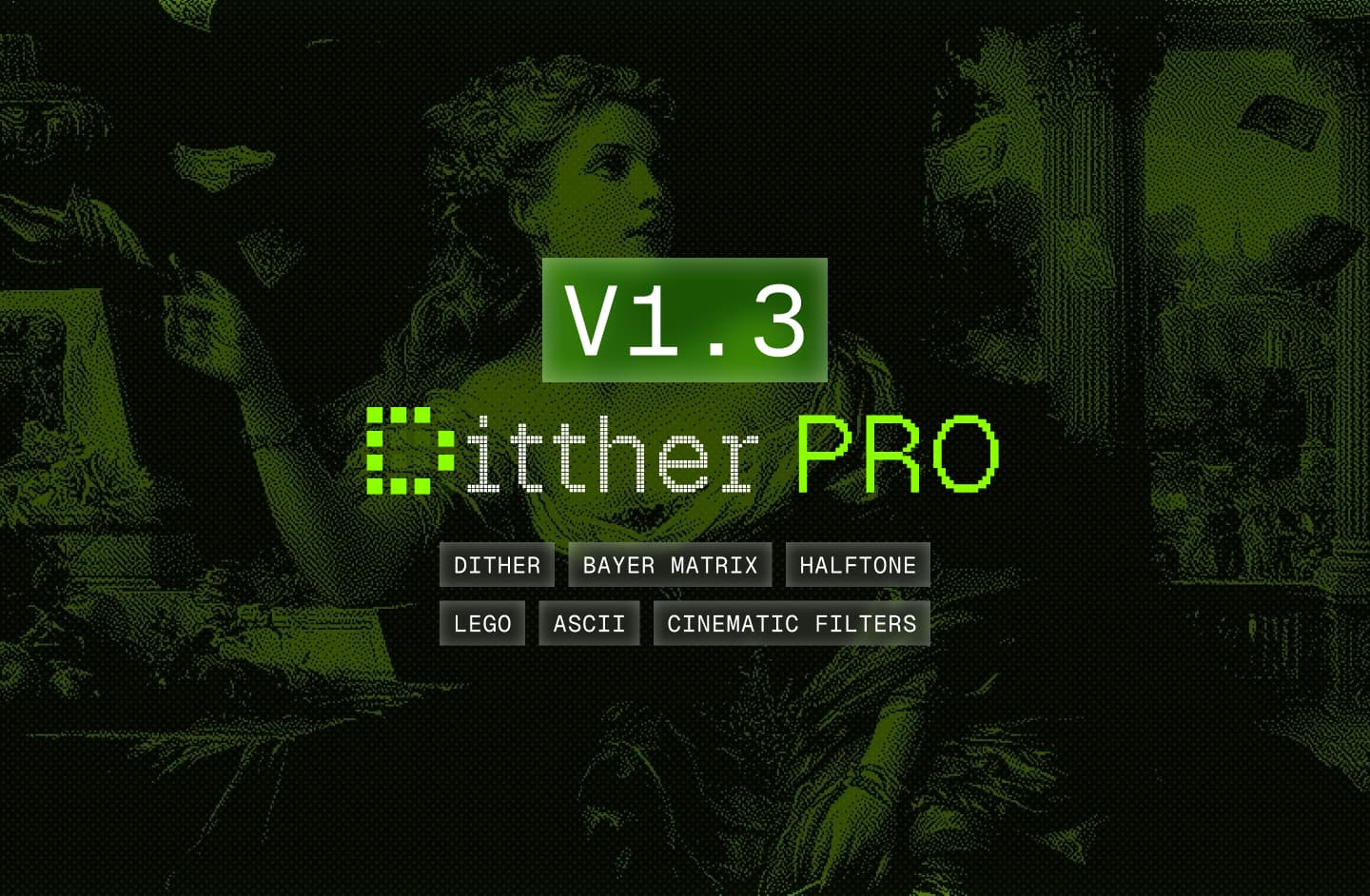
Voxel works best when you simplify the source image, then reinforce the chunkiness with color and layout choices.
What tools matter most?
Base effect
Voxel
Use Voxel as the main structure-setting effect. Larger blocks feel more game-like; smaller blocks preserve more realism.
Readability
Contrast and color
Raise contrast before pushing style too far. Duotone or a limited palette helps the blocks read more intentionally.
Composition
Backgrounds and text
Add a clean background or a strong type layer so the voxel image feels designed instead of incidental.
Step-by-step workflow
Choose an image with a clear silhouette
Subjects with obvious edges translate better than busy flat scenes. Portraits, figures, and objects with directional light are ideal.
Apply the Voxel effect
Start with a medium block size. If the subject stops reading, reduce size before changing anything else.
Refine contrast and simplify color
Use contrast, exposure, or duotone to reduce muddiness. Voxel gets stronger when the image has fewer competing tonal transitions.
Add a supporting background
A gradient or background pack can separate the voxel image from the page and make it feel more dimensional.
Finish with text or shapes
Add a title, side label, or simple shape frame if you want the image to become a poster, cover, or social visual.
Best use case
Voxel is strongest when you want a game-adjacent image style without going fully flat. Try it on architecture, figures, and sci-fi scenes first.
Common questions
Is Voxel different from Pixel Art?
Yes. Pixel Art reads flatter and more grid-based. Voxel tends to feel chunkier and more dimensional.
Can I combine Voxel with text?
Yes. Voxel images work well inside posters, covers, and experimental layouts with typography and shape layers.
Does it work on video?
Yes. If you are working in a motion workflow, you can animate the composition and export it as video.