Combine 50+ creative effects with text, shapes, images, layers and animation to create posters, graphics, backgrounds, motion visuals and more.
Effects
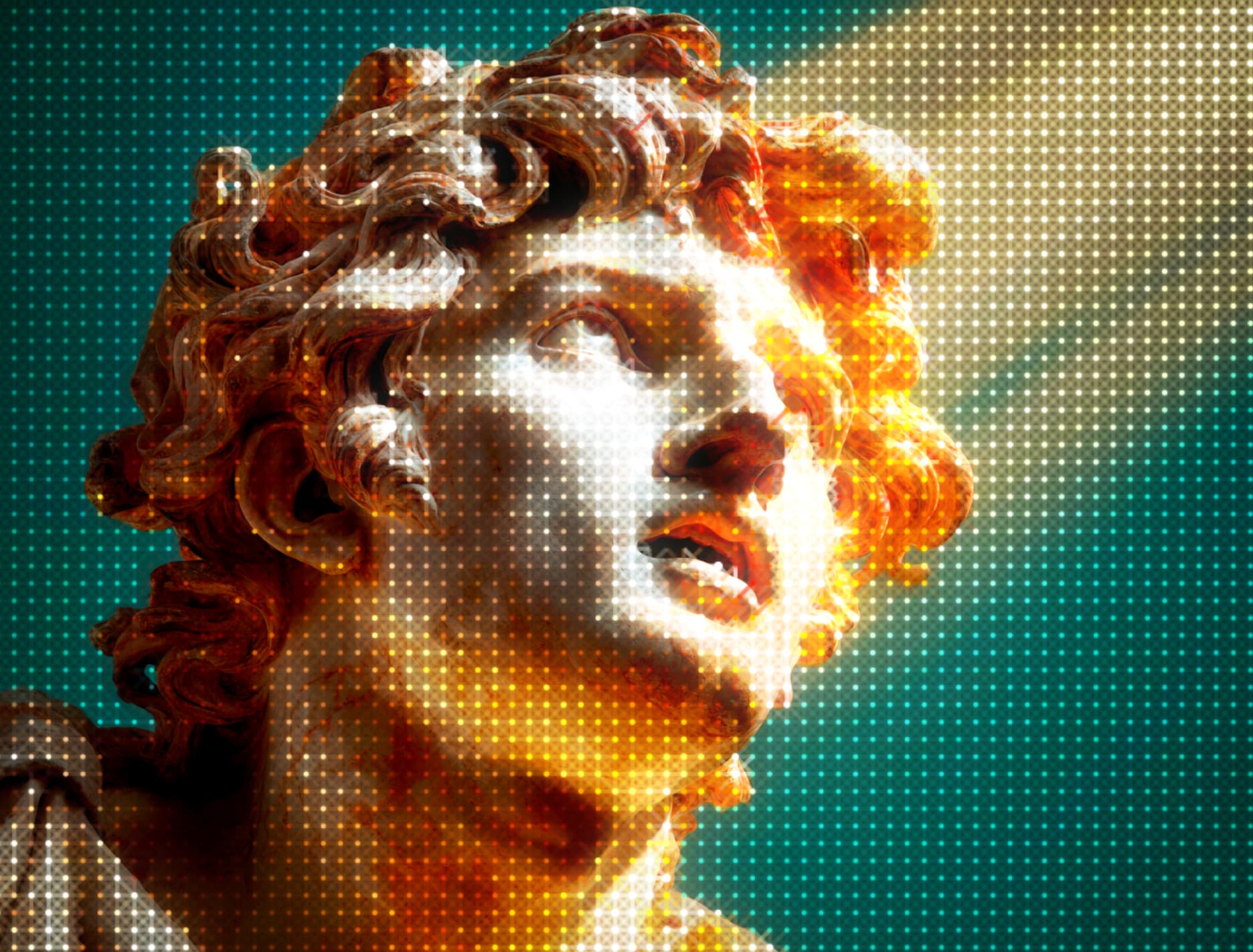
Experiment with pixel, dither, ASCII, distortion, print, retro, color, light and more. Stack effects together and customize every detail to create a look that's completely your own.
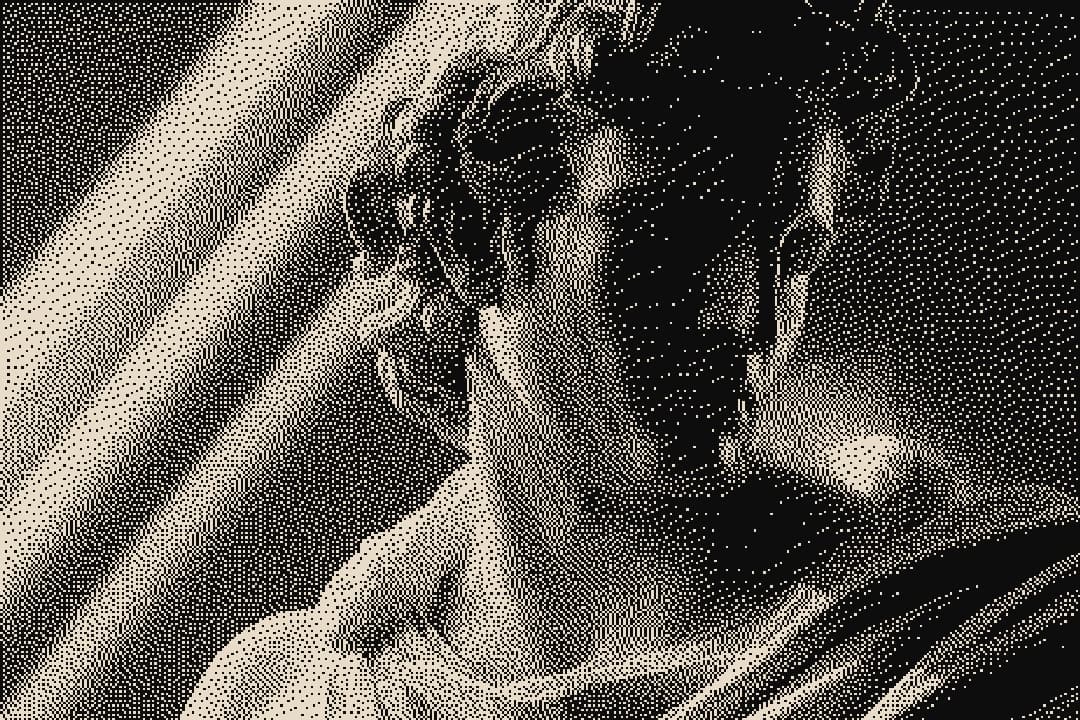
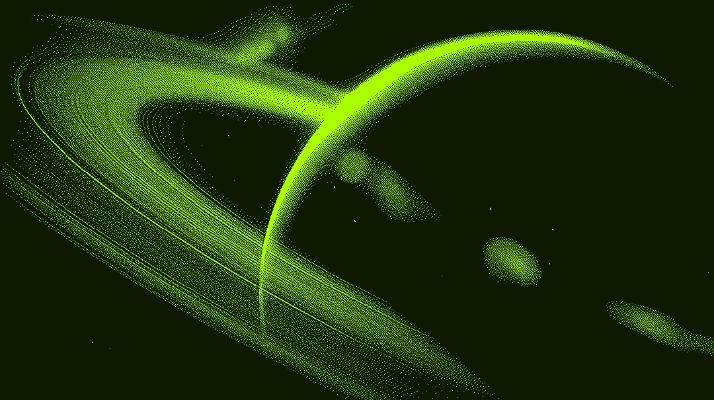
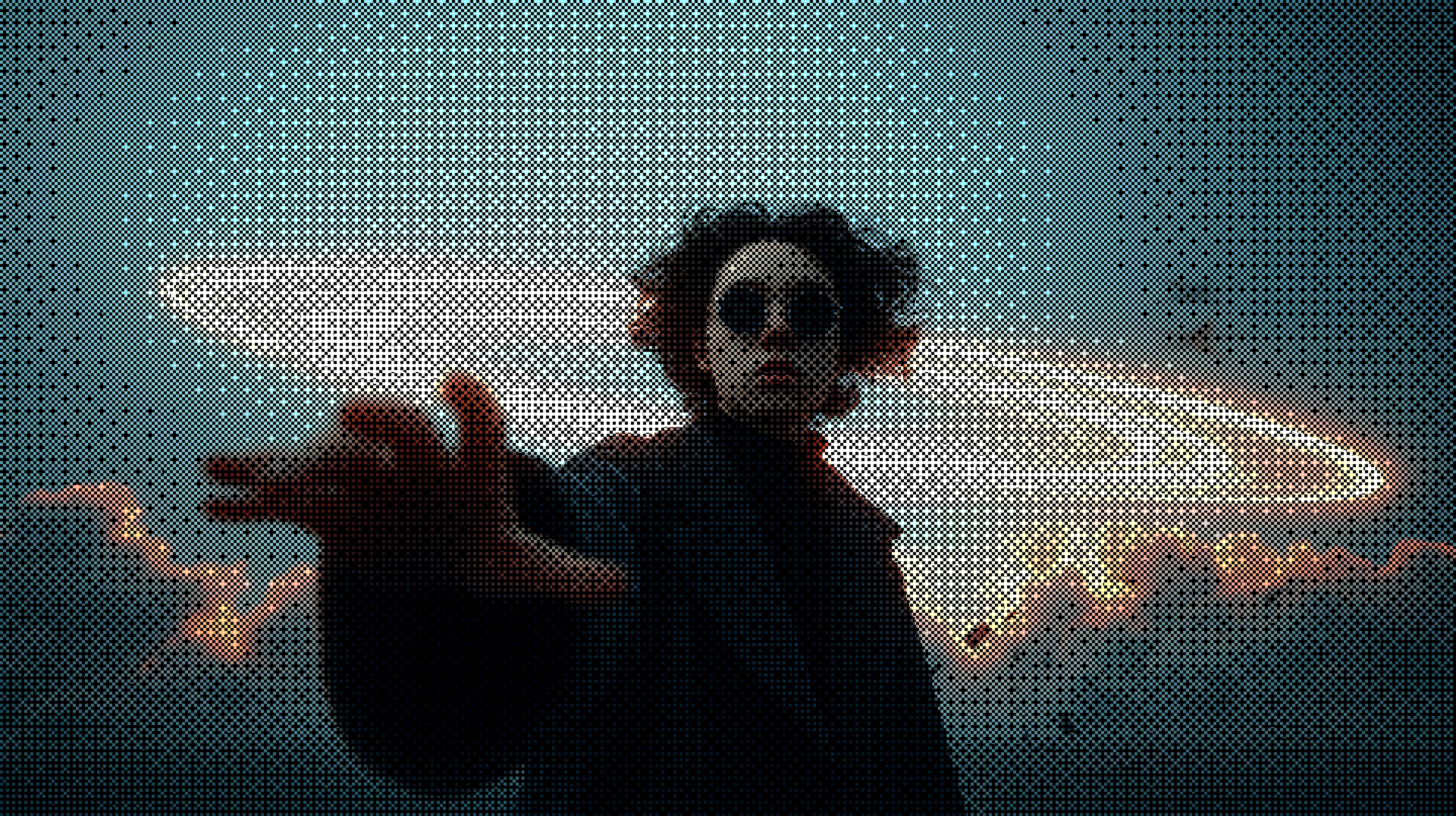
Dither
Organic noise-based pixel diffusion for textured, low-color digital artwork.
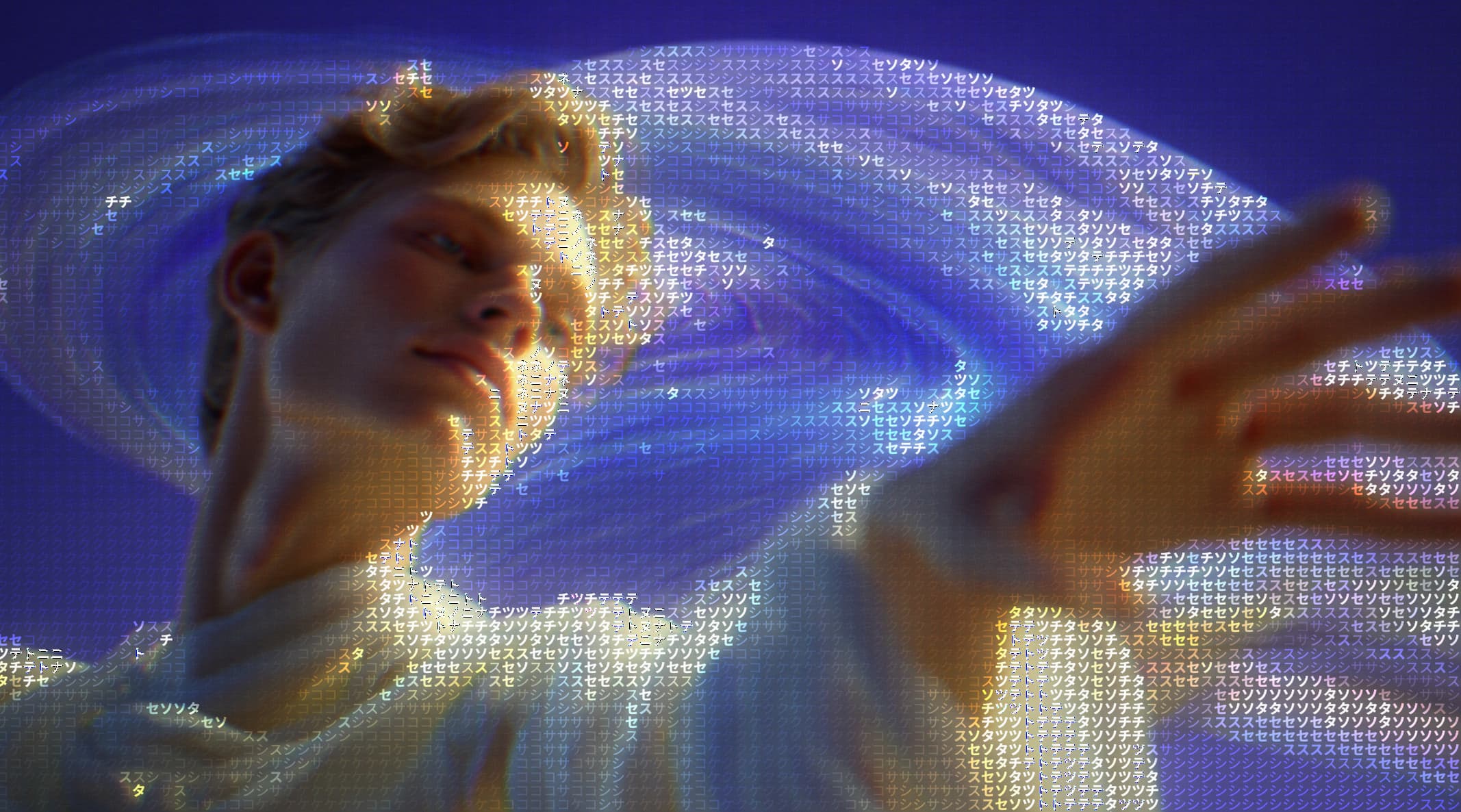
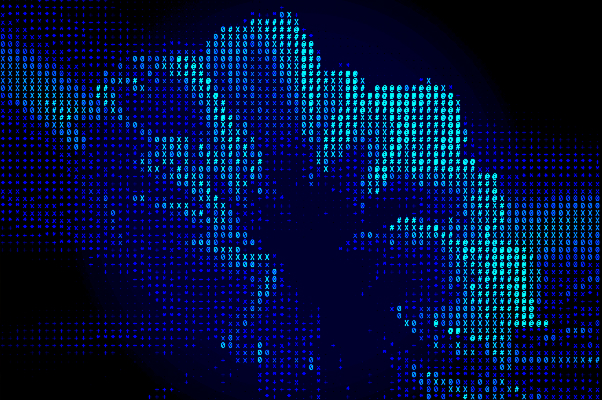
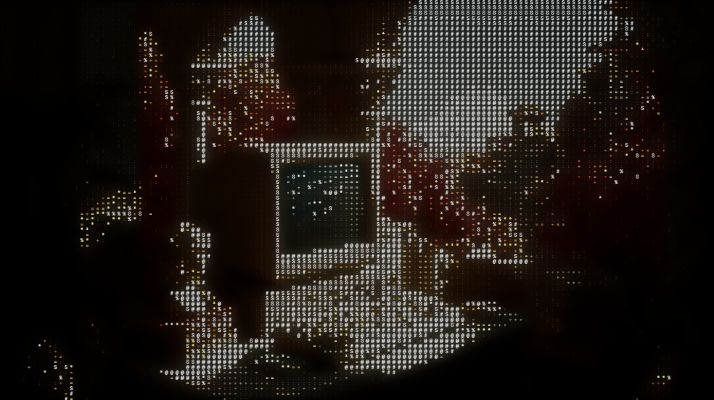
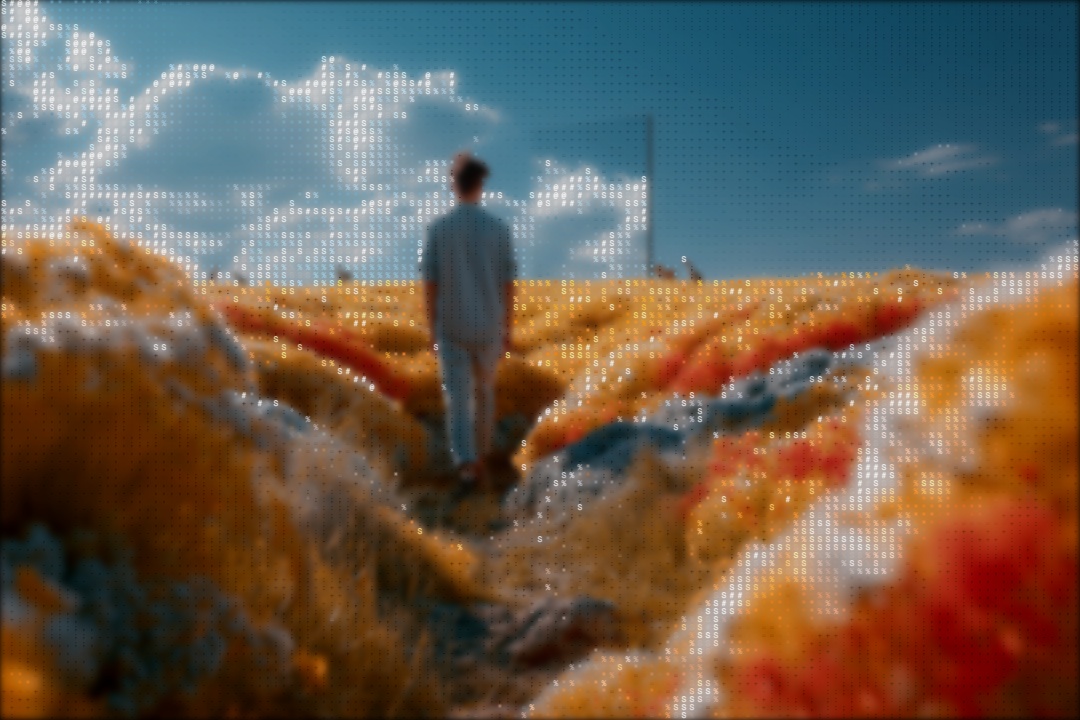
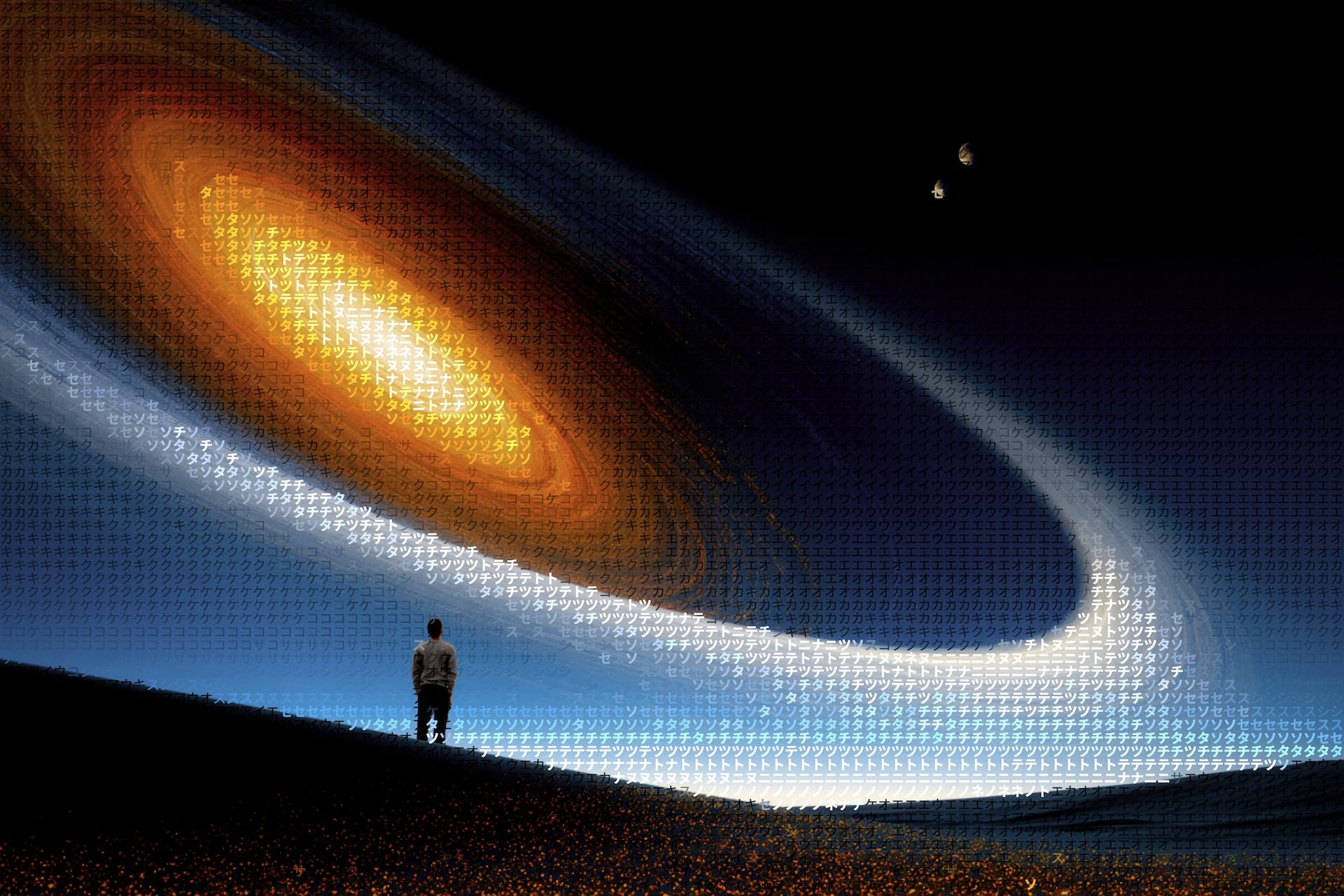
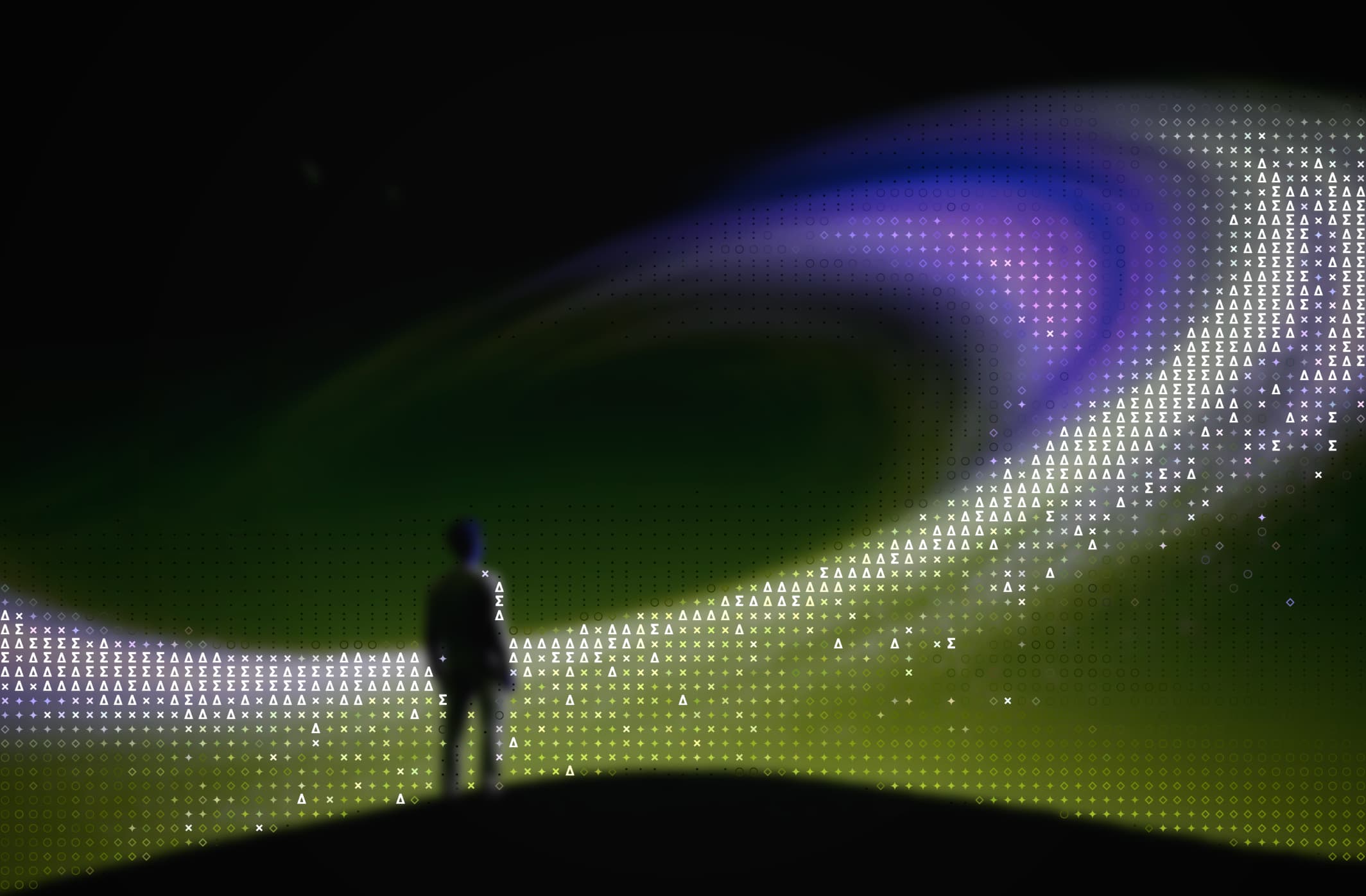
ASCII / Characters
Turn any image into expressive text art using customizable character sets.
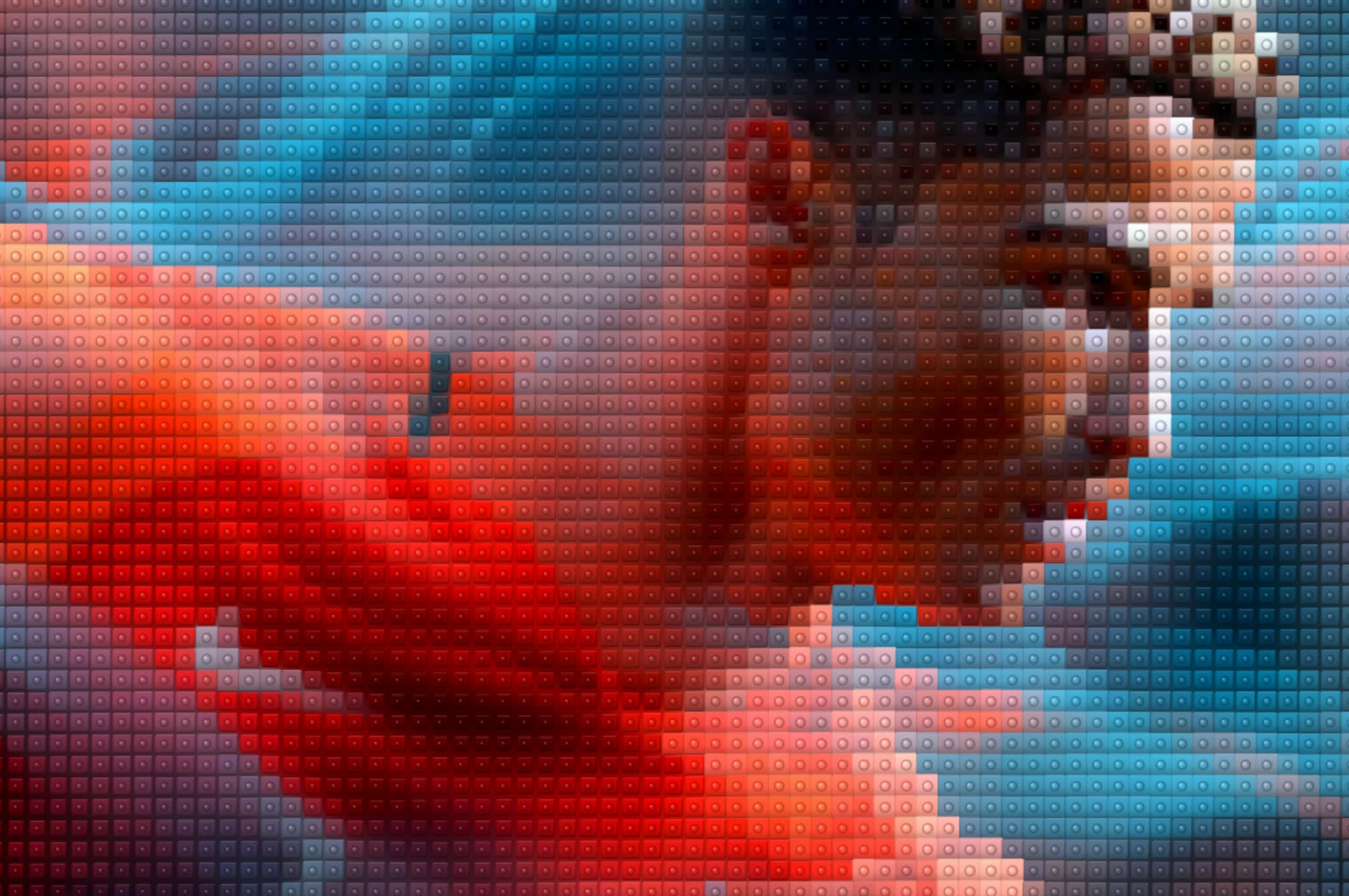
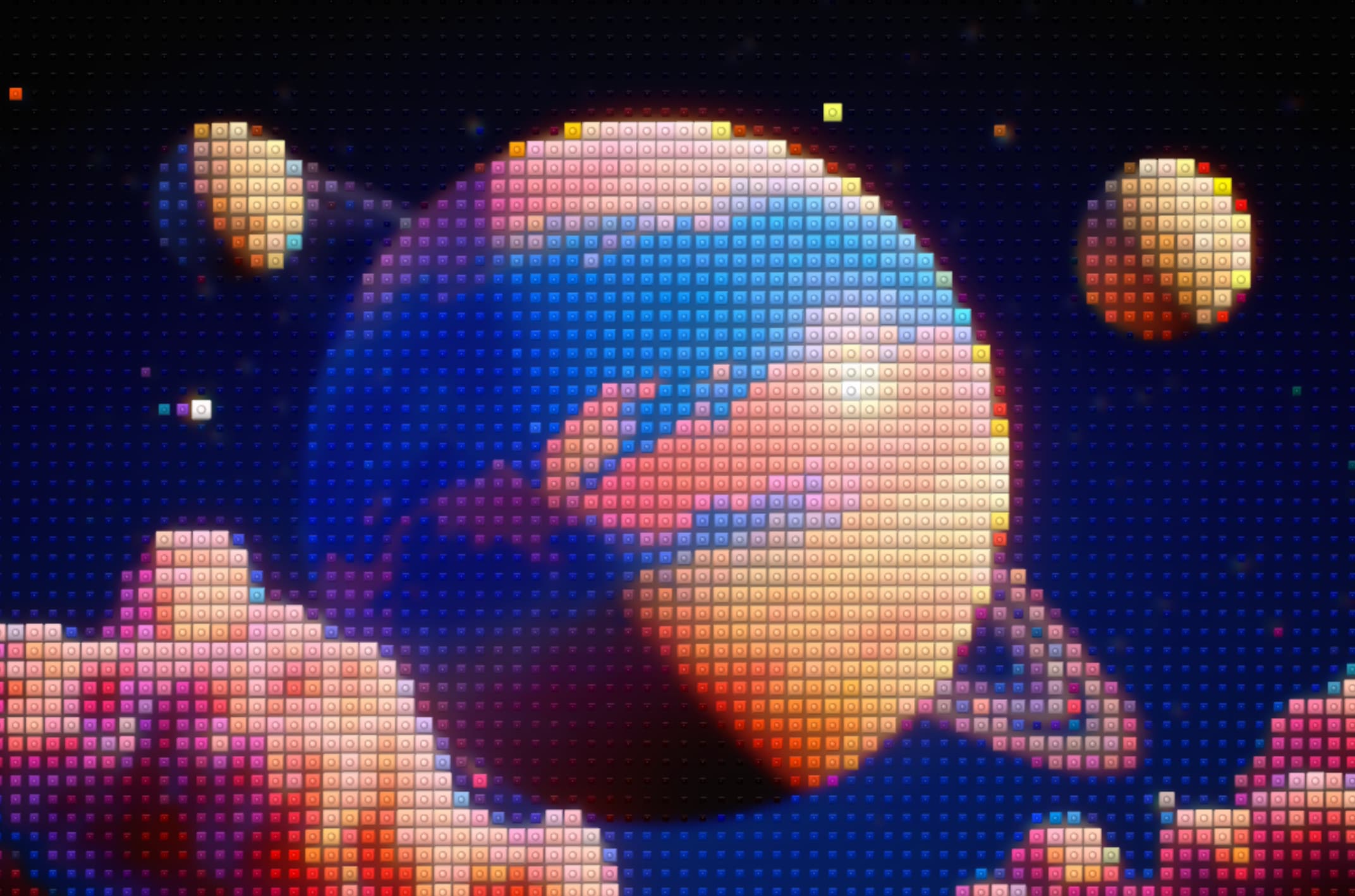
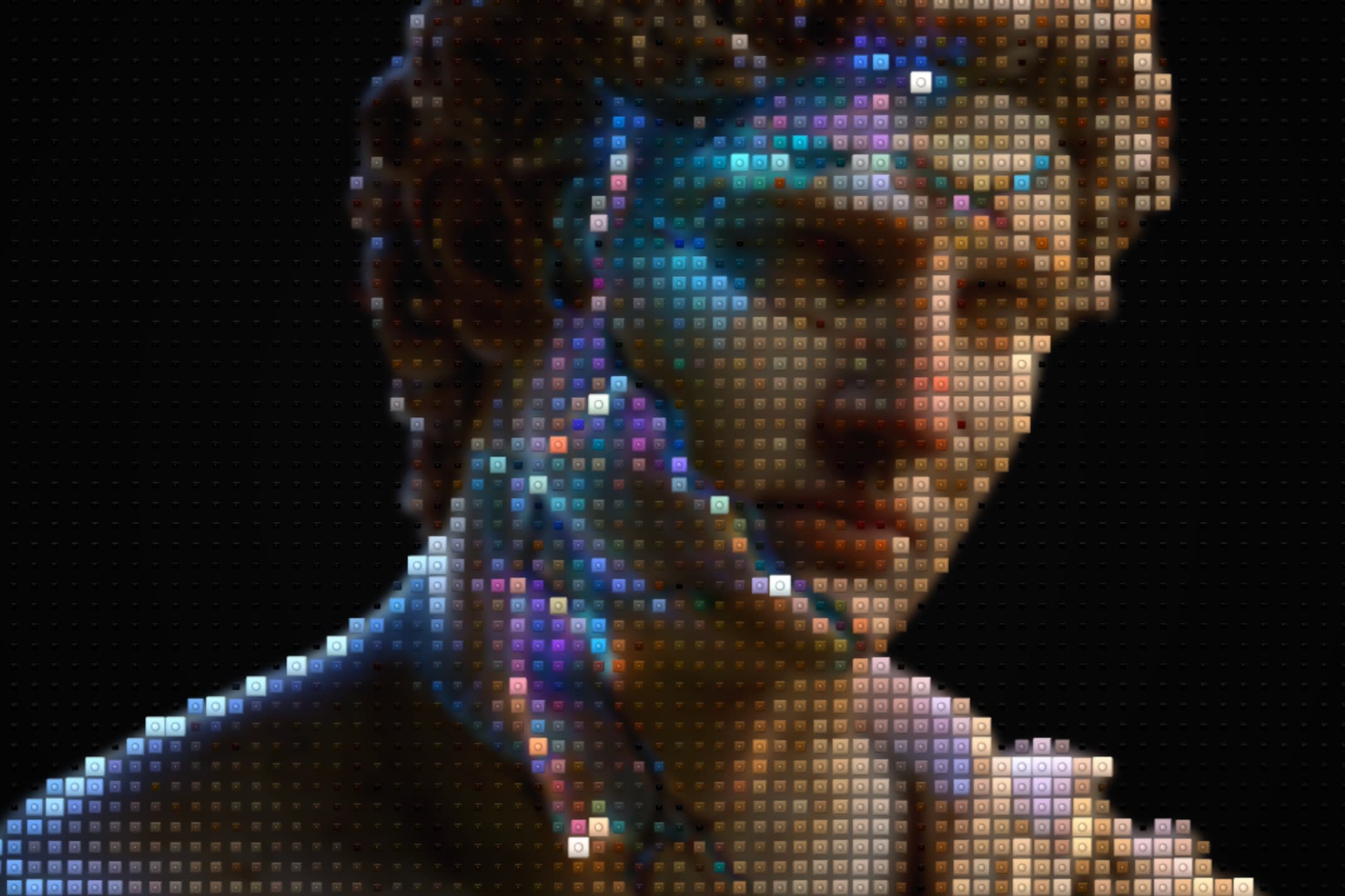
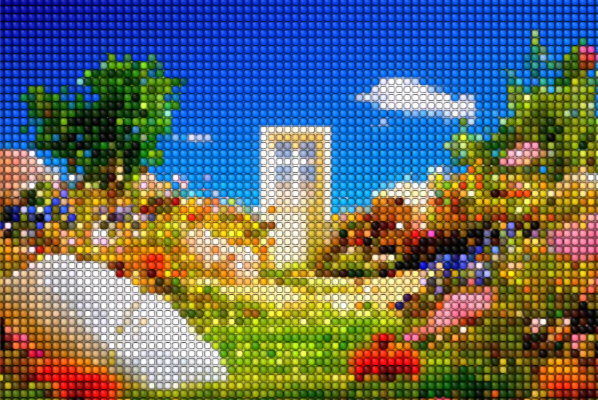
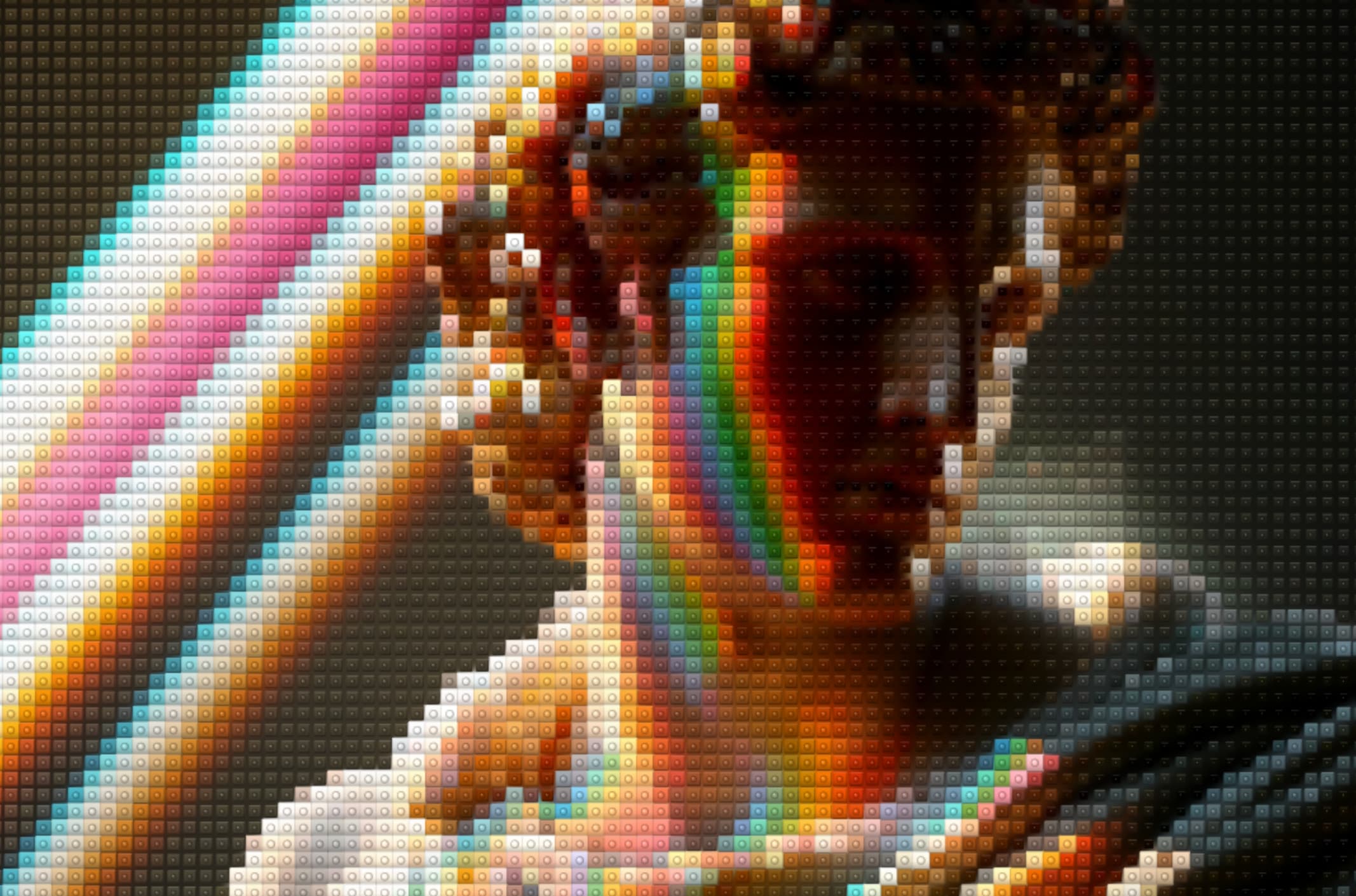
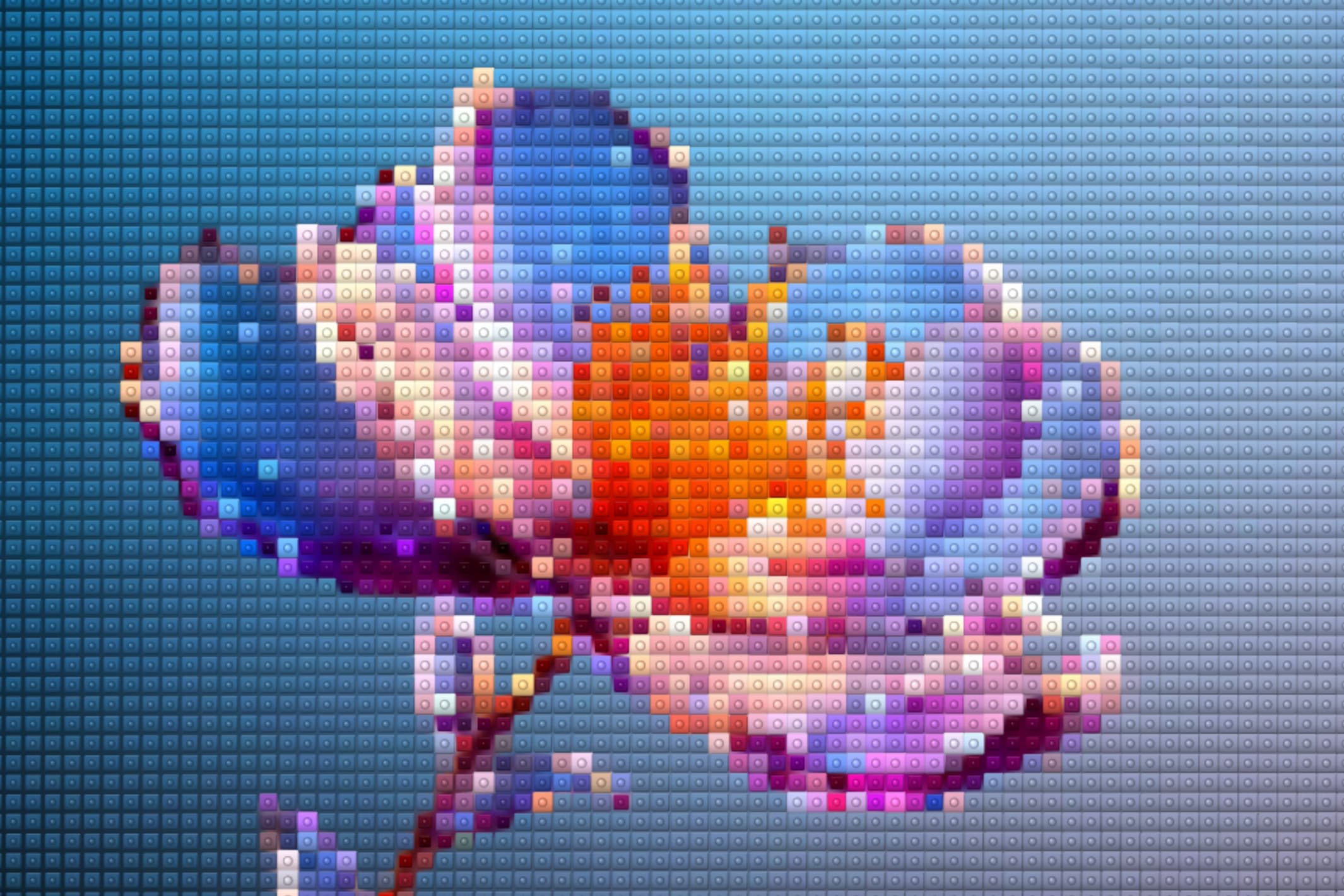
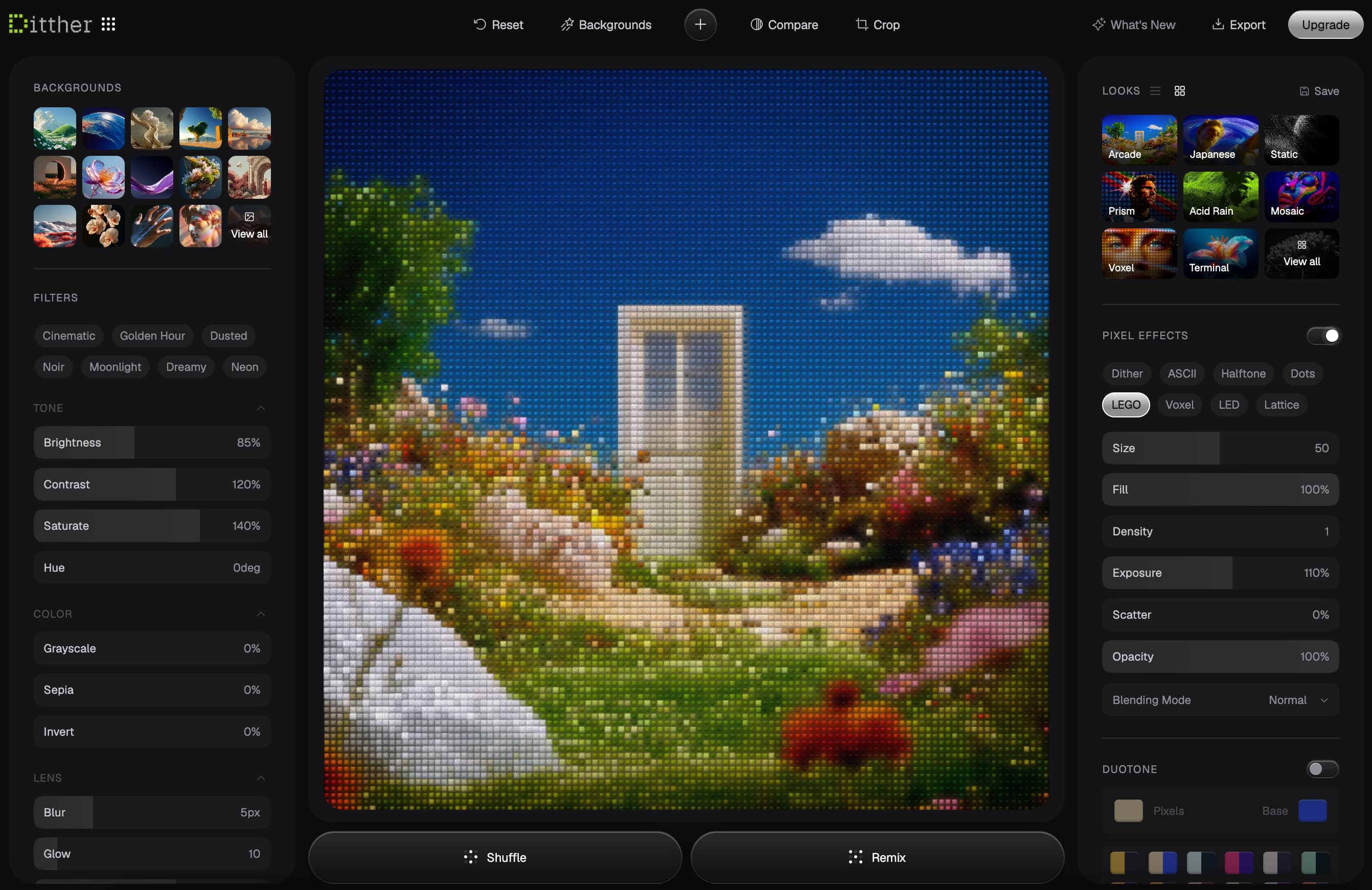
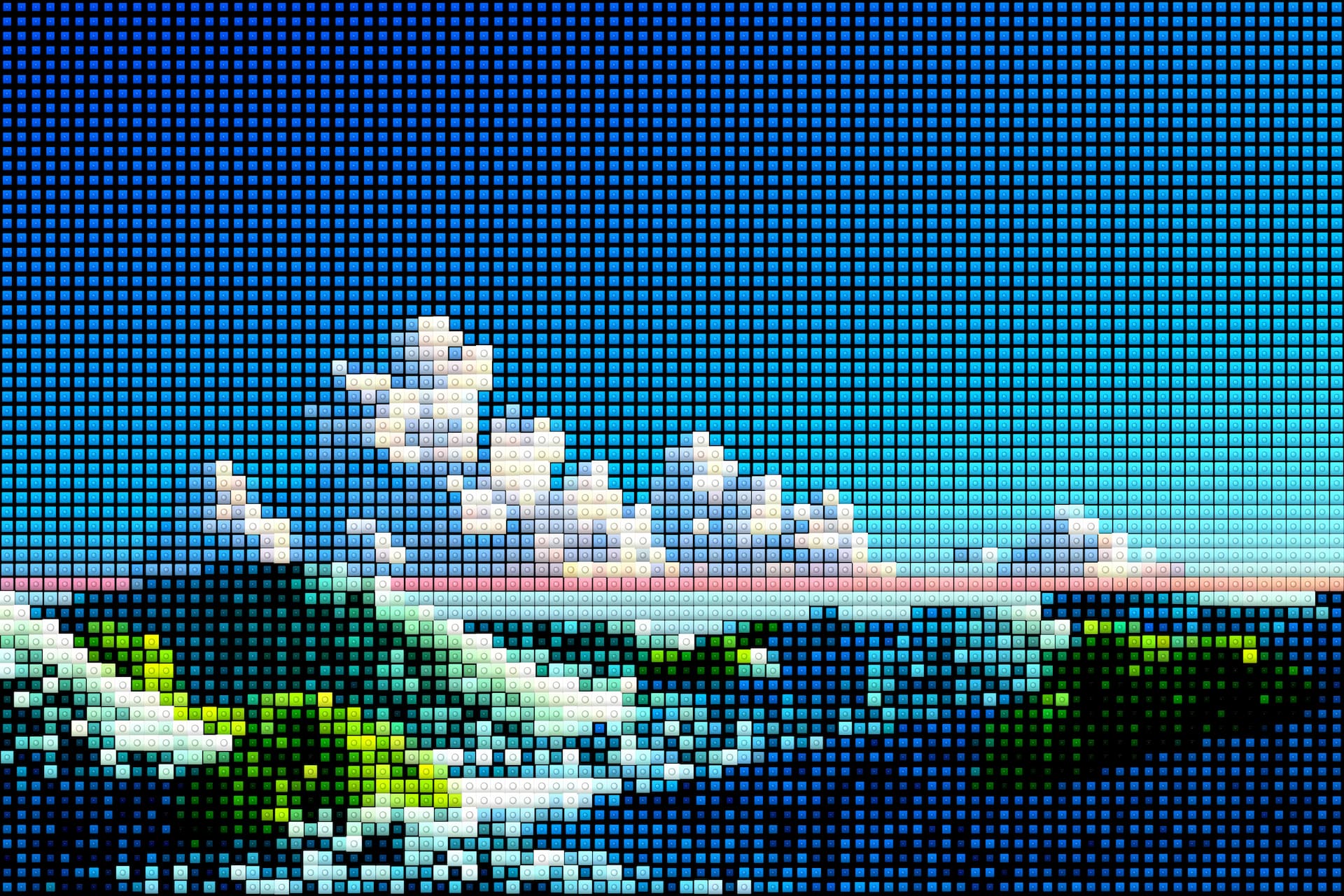
Lego
Reconstruct images with bold interlocking pixel blocks and playful geometry.
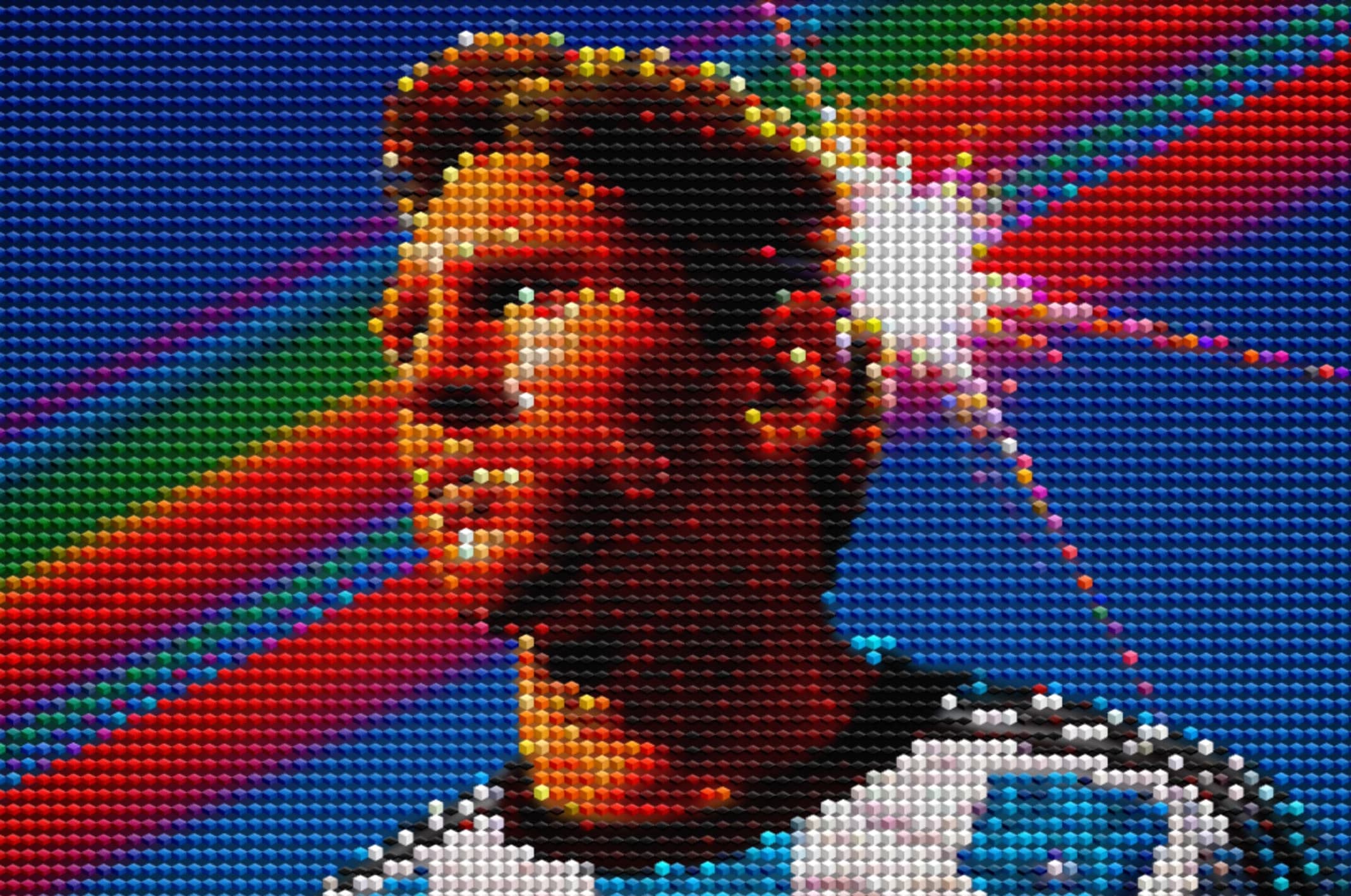
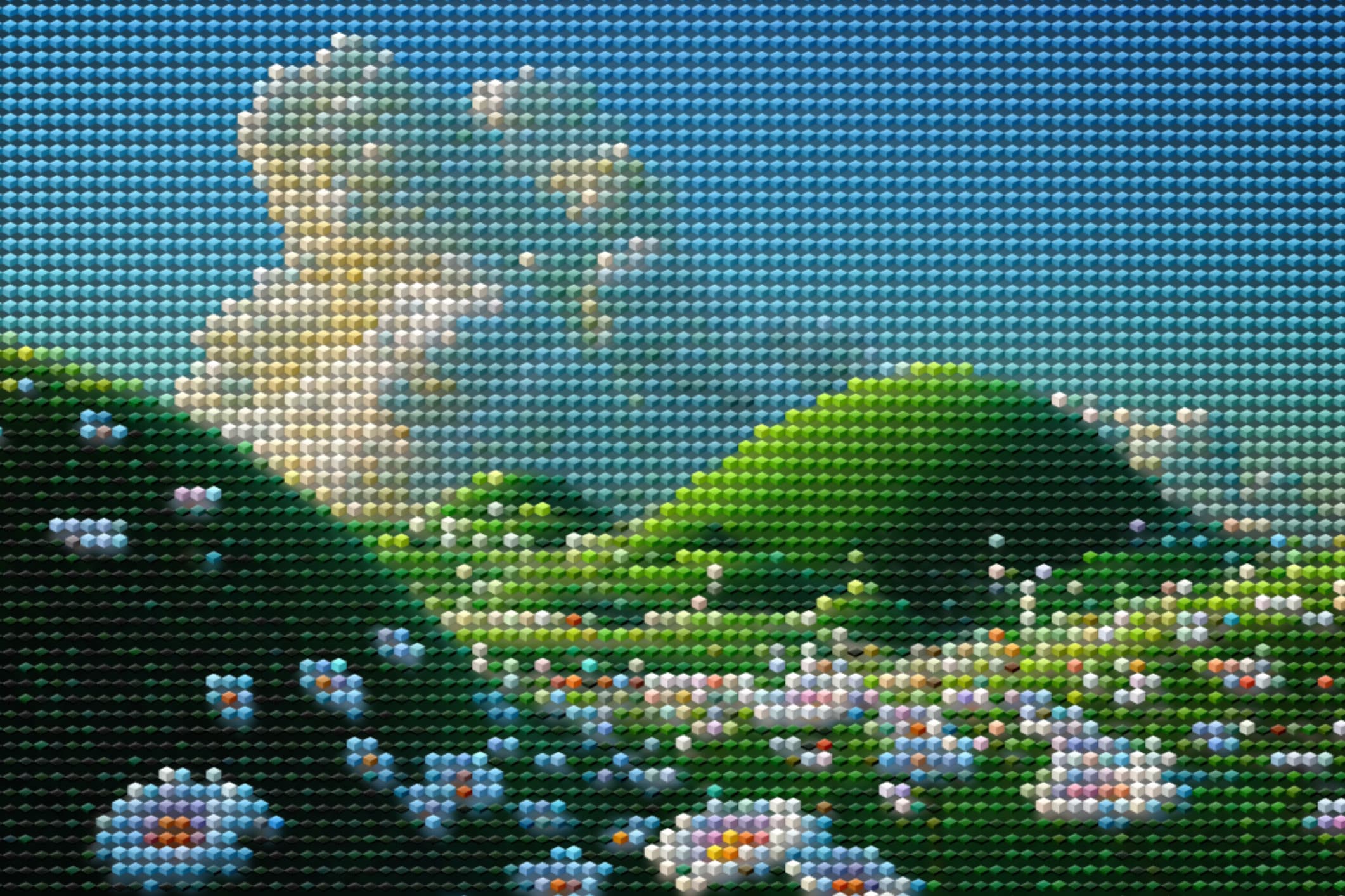
Voxel
Chunky 3D-inspired voxel blocks that blend pixel art with depth and volume.
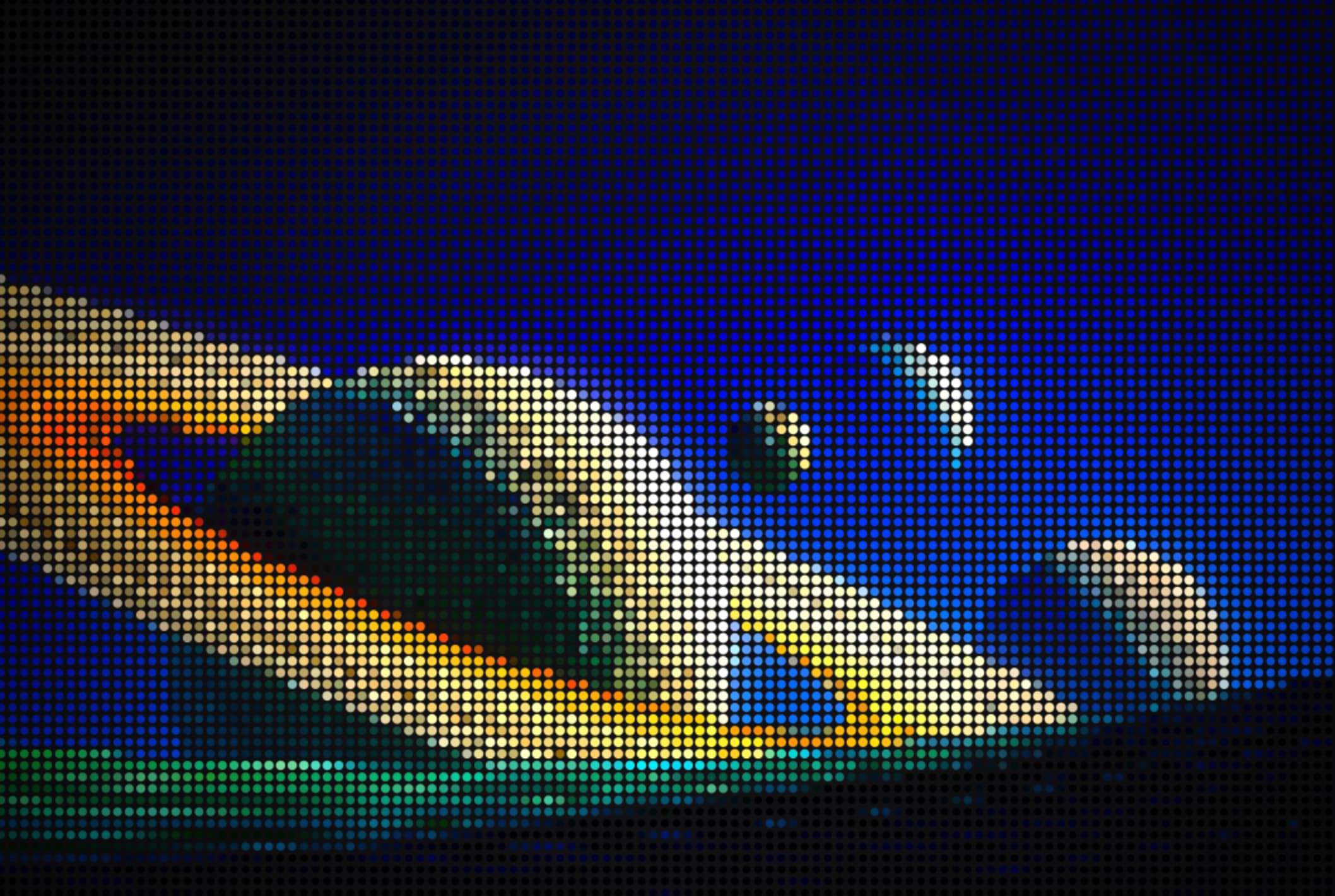
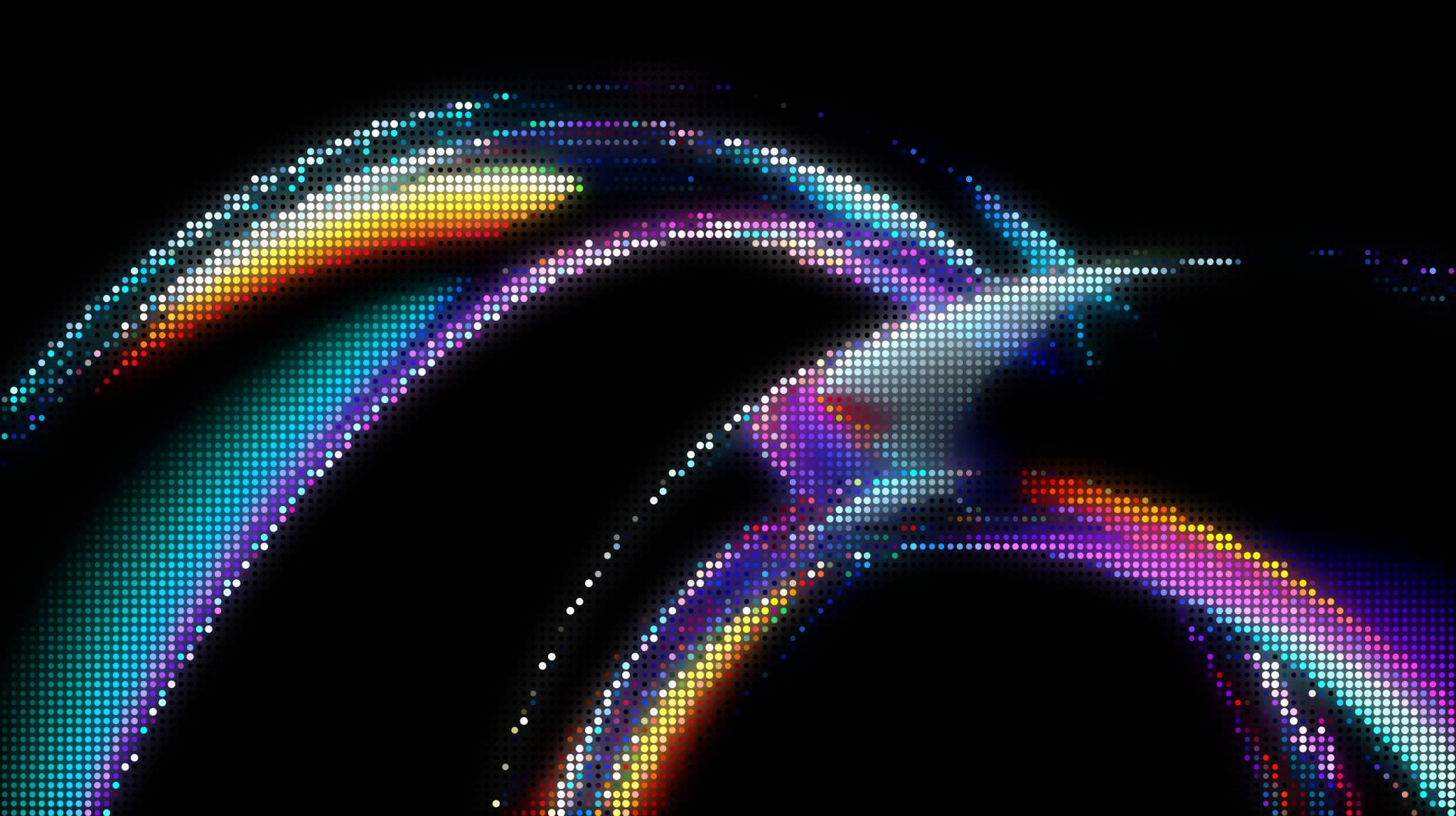
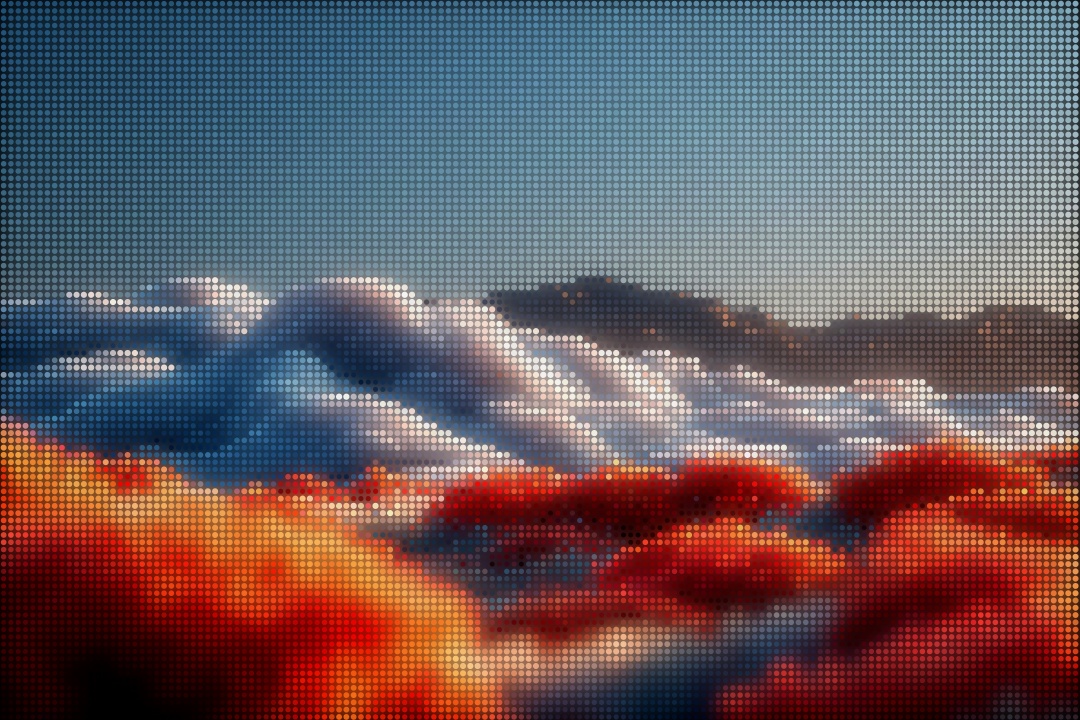
Halftone
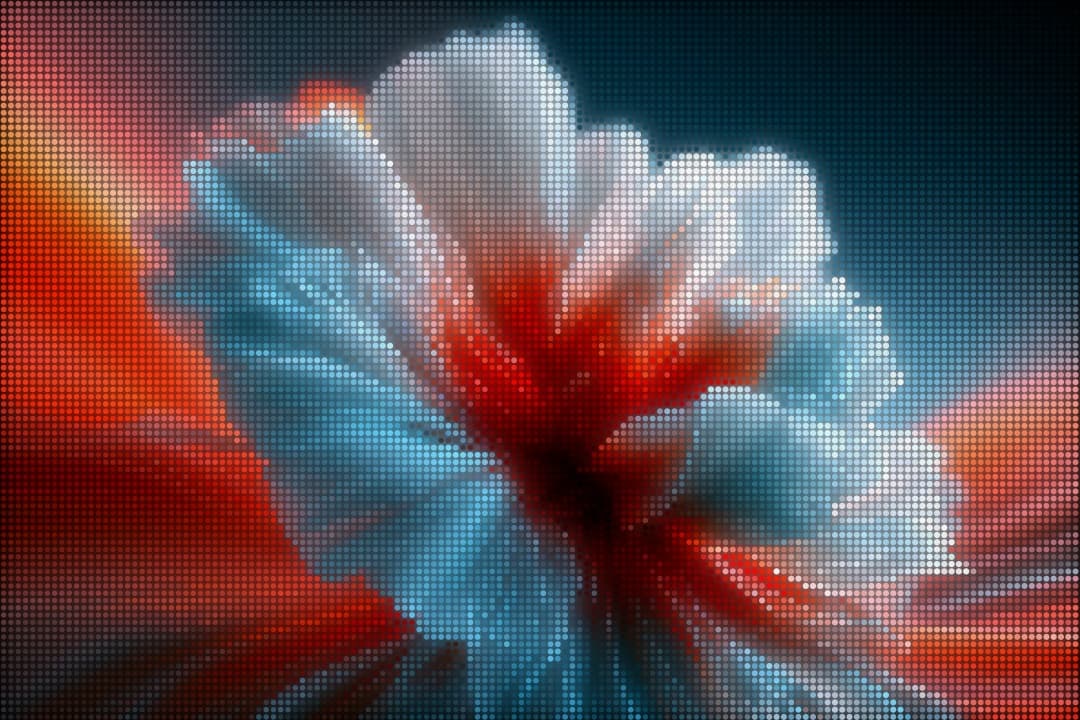
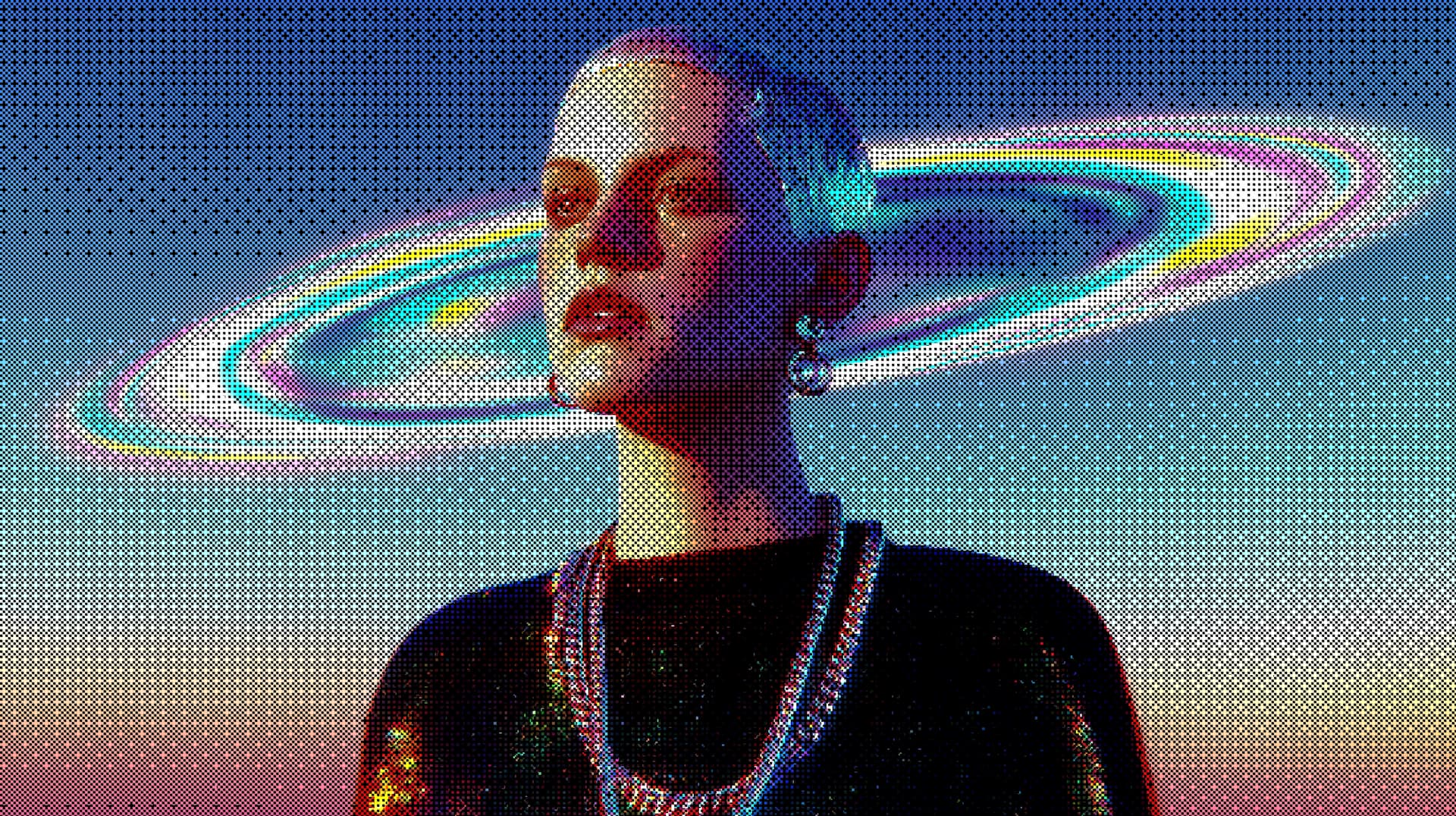
Classic print-inspired dot patterns with full control over scale, density, and contrast.
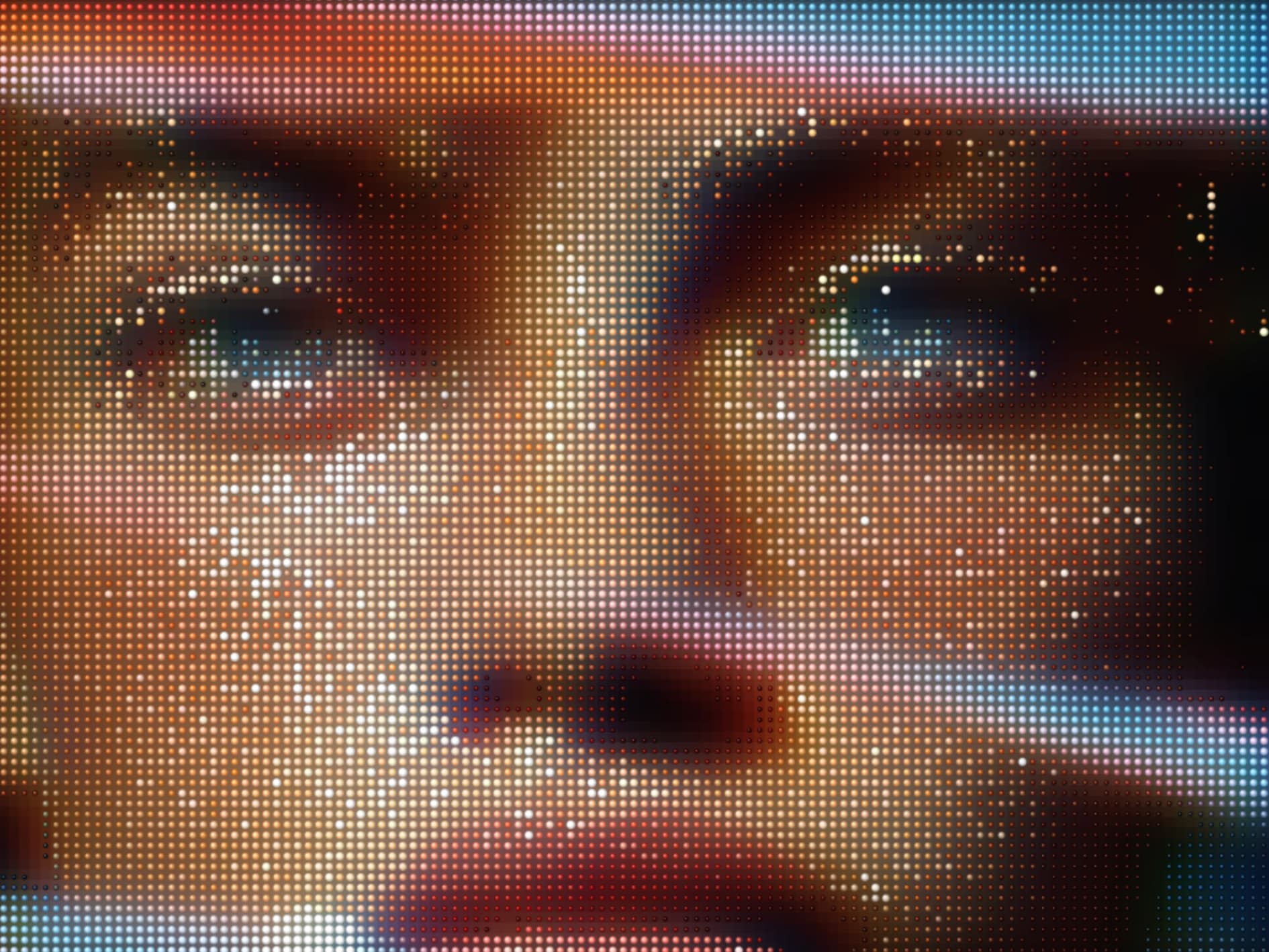
Pixel Art
Graphic pixel rendering for stylized portraits, posters, and game-inspired image treatments.
How it works
Ditther is built around speed and serendipity. You don't need to know what you want — the tool finds it for you.
01 — Upload
Drag in a photo, paste a URL, or pick one of the built-in backgrounds. JPG, PNG, WebP, and video all work. No size limits.
02 — Remix
One click randomises your effect, filters, and background. Hit it again for a completely different result.
03 — Export
Export in standard or 4K resolution. Save your settings as a Look to reapply later. Pro users can export video and remove the watermark.
Pricing
Every core tool is free forever. Go Pro for higher-quality exports, premium presets, and the complete creative toolkit.
Free
$0
Create moving pixel art with every core effect, looks, duotone, animation tool, and unlimited Shuffle & Remix. FREE to use
Ditther PRO Monthly
$8/mo 15/mo
Unlock all Pixels Effects, Visual effects, Premium looks, Full control on text, shape & mask layers, 4K exports, and all animation presets.
Ditther PRO+ Lifetime (One-time payment)
$79 149
For creators who want it all. Premium backgrounds,all looks, Full control on text, shape & mask layers, 4K exports, and all animation presets.
Learn
The homepage now teases the Learn section. For the full library of tutorials and updates, open the dedicated Learn page.
Update
The biggest Ditther update yet. Save and share full creative presets, apply duotone colour grading, and export animated effects.
Tutorial
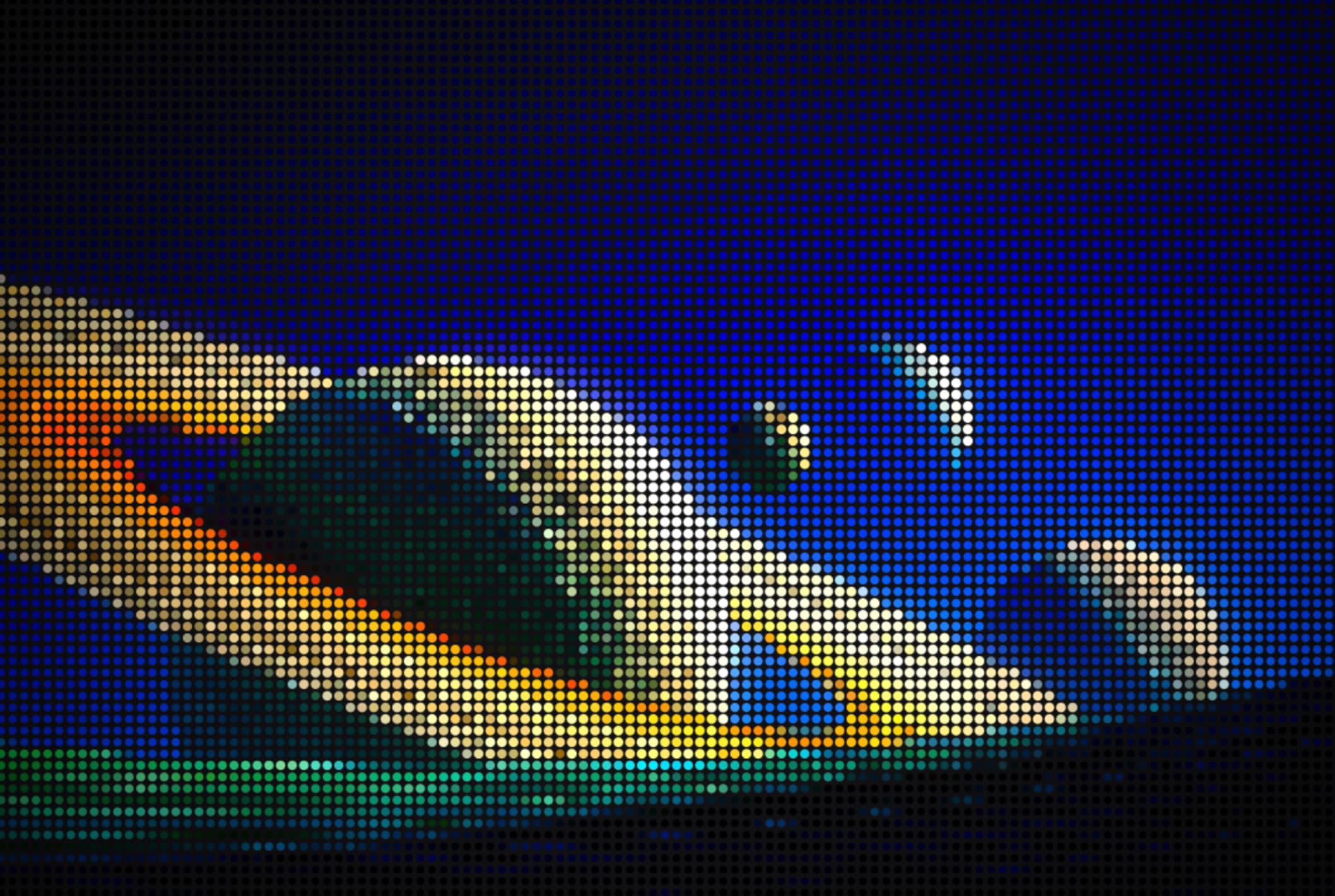
A step-by-step guide to getting the classic print-style dot pattern look — and what settings to tweak for different feels.
Tutorial
How to use Ditther's character effect, which presets look best, and how to combine it with cinematic filters.
Tutorial
Build a complete poster with Pixel Art or Dither, duotone color, title typography, gradients, shapes, and export-ready composition.
Tutorial
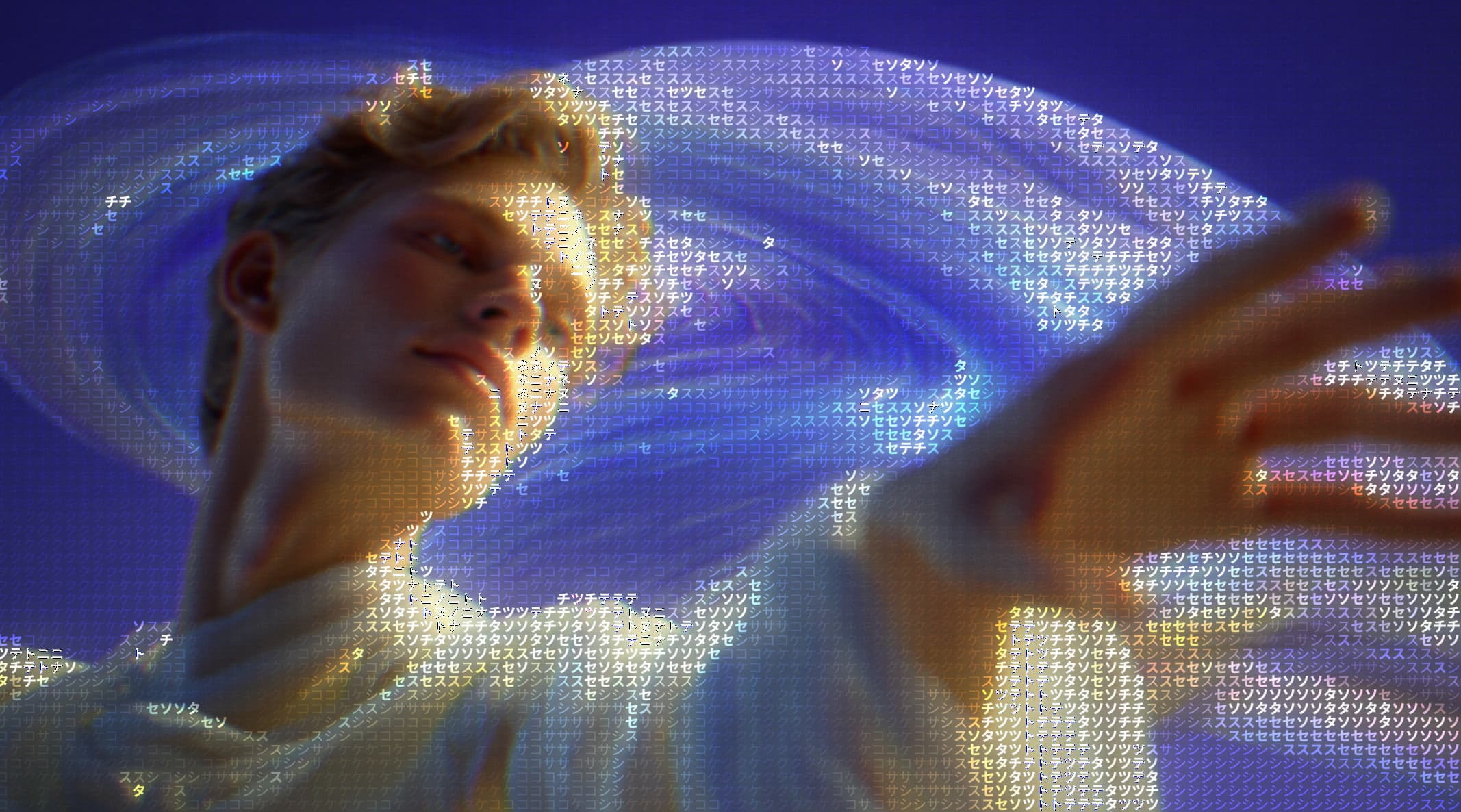
Turn one image into a motion poster with layered typography, animation presets, motion treatments, and MP4 export.
Tutorial
Use image placement, gradients, text hierarchy, masks, shapes, and subtle treatment to create an original graphic poster.
Tutorial
Combine masks, duotone, gradients, glow, distortion, and layered composition for more artistic portrait effects.
Tutorial
Explore five real Ditther directions using Looks, Remix, Duotone, pixel effects, typography, and motion.
FAQ
If something isn't answered here, reach out on X at @blurrhaus.
Try Ditther freeIs Ditther free to use?
Yes. Every core editing tool is free forever—no account required. You get all pixel effects, cinematic filters, Shuffle & Remix, animation tools, and 1080p exports. Upgrade to Pro for 4K exports, video support, premium presets, and the complete background library.
Do I need to install anything?
No. Ditther runs entirely in your browser. Open ditther.com, drop in your image, and start editing. No download, no signup, no app store.
Are my image uploads private?
Yes. Your images and videos are processed locally in your browser and never uploaded to our servers. We can't view, store, or access your media.
What is dithering?
Dithering is an image processing technique that uses patterns of pixels to simulate colors and gradients beyond a limited palette. It creates a textured, retro aesthetic common in early digital art and print media.
What is a halftone effect?
Halftone recreates images using a grid of dots of varying sizes — the same technique used in newspapers, comic books, and screen printing. Ditther lets you control dot size, density, and blending in real time.
What do I get with Pro?
Pro unlocks the complete creative toolkit, including: 4K image and video exports, 500+ backgrounds across every pack, All Premium Look presets, All Animation presets, Save your own custom Looks, New background packs added regularly. It's a one-time purchase, not a subscription.
Can I use Ditther on mobile?
Yes. Ditther is fully responsive and works on mobile browsers. Upload, edit, and export directly from your phone.
How is Ditther different from Photoshop?
Ditther is focused entirely on pixel and dither effects with a one-click randomisation system. It's browser-based, instant, and free — no subscription needed to start dithering.
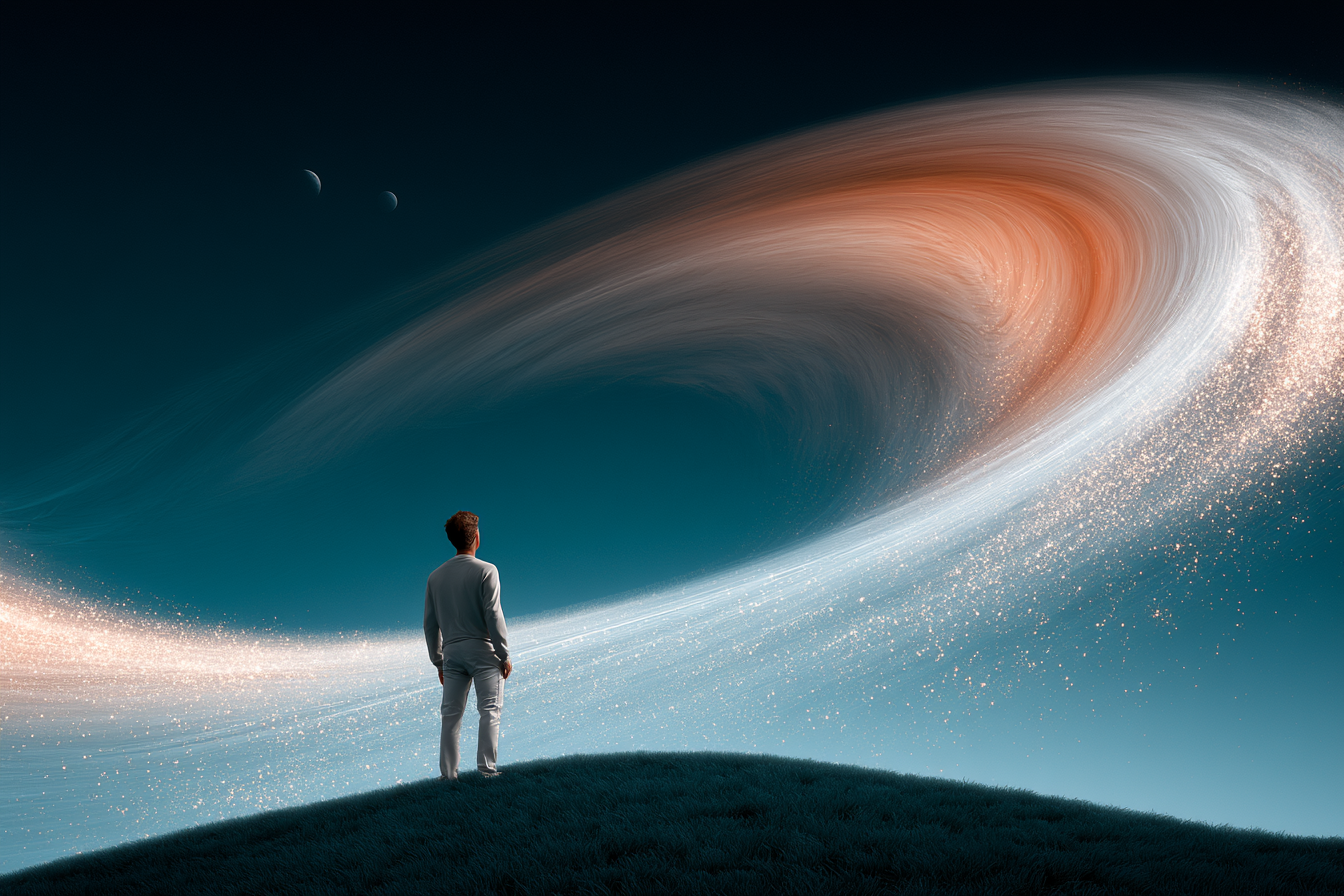
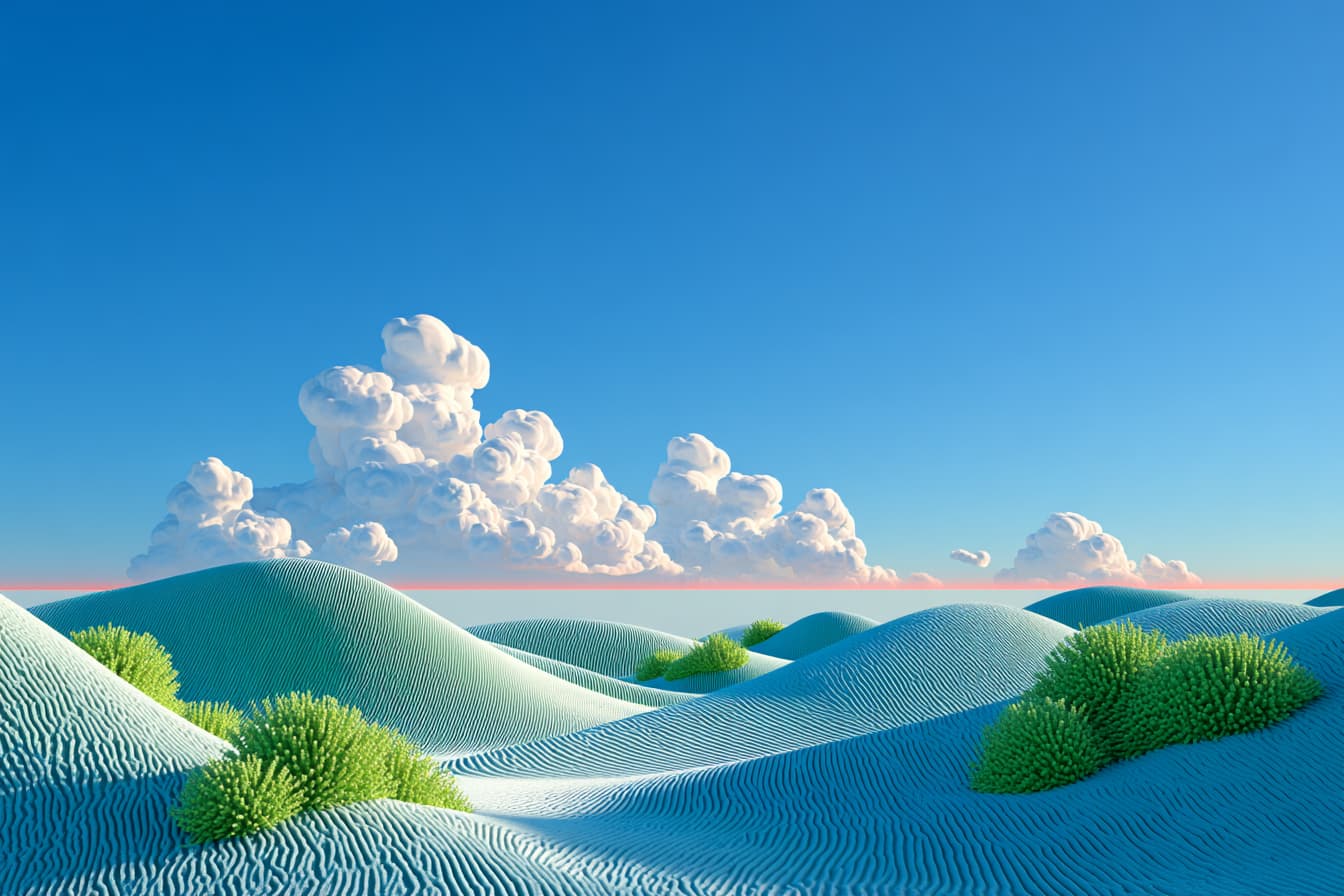
Before & after
No install. No account. Just drop an image and see what happens.
Try Ditther free →